

Services & pricing
Help with the everyday tech they use.
Our Technology Services
Friendly, personalized technology guidance to help you feel more comfortable, capable, and confident using your devices.
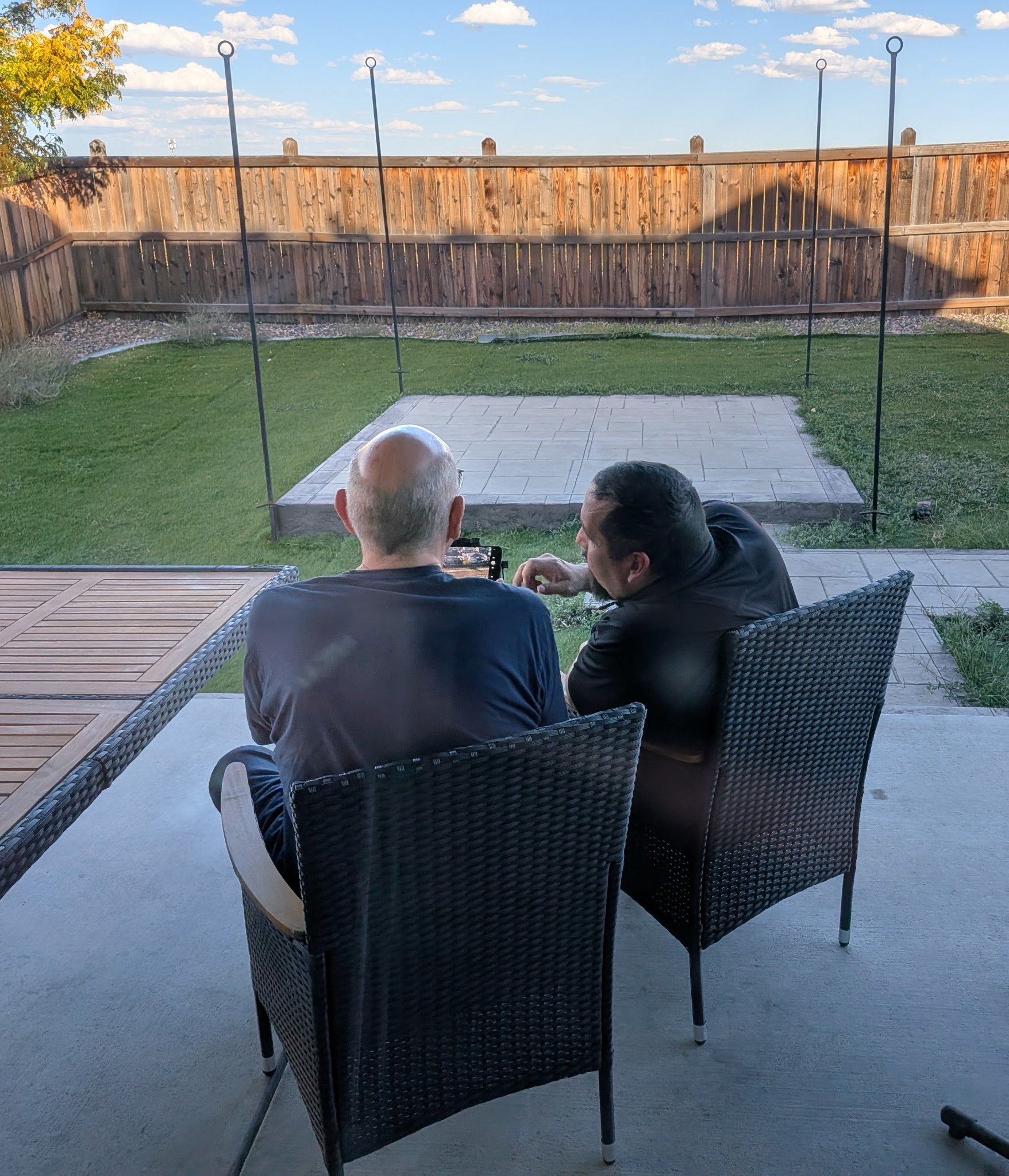

01. Smartphone Support
Get the most out of your smartphone with patient, step-by-step guidance. Whether you're new to smartphones or simply want to explore more features, we'll help you understand how everything works.
What we'll help you with:
Making and receiving calls and text messages.
Saving contacts and organizing your phonebook.
Taking, finding, and sharing photos and videos.
Installing, updating, and managing mobile apps.
Adjusting phone settings, volume, brightness, and accessibility.
Understanding notifications and managing unwanted messages.
Using maps, weather apps, and everyday mobile tools.


02. Tablet Training
Learn how to use your iPad or Android tablet comfortably and confidently. We'll walk you through the features you need, helping you enjoy your device without feeling overwhelmed.
What we'll help you with:
Understanding your tablet's home screen and basic settings.
Downloading and organizing useful applications.
Browsing websites and searching for information.
Reading digital books, newspapers, and magazines.
Watching videos and enjoying online entertainment.
Connecting to Wi-Fi and managing internet settings.
Using touch gestures, keyboard functions, and accessibility features.


03. Computer & Laptop Help
Make using a computer or laptop easier with practical, hands-on instruction. From basic computer skills to everyday online activities, we'll help you become more independent with your technology.
What we'll help you with:
Understanding the desktop, keyboard, mouse, and basic navigation.
Creating and managing email accounts.
Sending emails and attaching documents or photos.
Browsing the internet and finding reliable information.
Creating, saving, and organizing files and folders.
Using Microsoft Office and other everyday applications.
Understanding software updates and basic troubleshooting.
Connecting printers and other common accessories.


04. Online Communication
Stay closer to family and friends, wherever they are. We'll help you learn how to communicate through popular digital platforms, making video calls, messaging, and sharing memories easier.
What we'll help you with:
Setting up and using FaceTime, Zoom, and WhatsApp.
Making and receiving video and voice calls.
Sending photos, videos, and voice messages.
Joining online family gatherings and meetings.
Managing contacts and communication settings.
Understanding privacy settings and blocking unwanted contacts.
Learning how to stay safe while communicating online.


05. Everyday Tech Support
Technology doesn't always work the way we expect. Get friendly assistance with common device problems, confusing settings, and everyday technical challenges so you can get back to using your devices comfortably.
What we'll help you with:
Connecting devices to Wi-Fi and troubleshooting connectivity.
Setting up new phones, tablets, and computers.
Adjusting device settings and preferences.
Installing and updating software and applications.
Understanding storage space and managing device files.
Connecting Bluetooth devices, printers, and accessories.
Recognizing suspicious emails, messages, and online scams.
Learning simple ways to protect your personal information.
Simple & Transparent Pricing
Flexible Help That Fits Your Needs
Every person learns differently. That's why our sessions are personalized to your needs, with straightforward hourly pricing.
One-on-One Session
$80
Per hour
Personalized guidance
One-on-one support
Learn at your own pace
In-home assistance
Extended Session
$140
Per 2 hours
More time to practice
Multiple topics covered
Personalized instruction
In-home assistance
Not in Colorado? Ask about virtual training sessions!
A travel fee may apply for locations outside a 10-mile radius. Any applicable fee will be discussed during the consultation before booking.
Have a group of seniors needing tech help? Ask about our group rates!